Gifts and formats
How to choose an image for a custom jigsaw puzzle
A puzzle works best when the picture has enough visual variation to help someone build it. Use a clear photo or a deliberate illustrated scene, then inspect the available piece count and crop in AutoPrint.
 Ashley Long
 Phil Thompson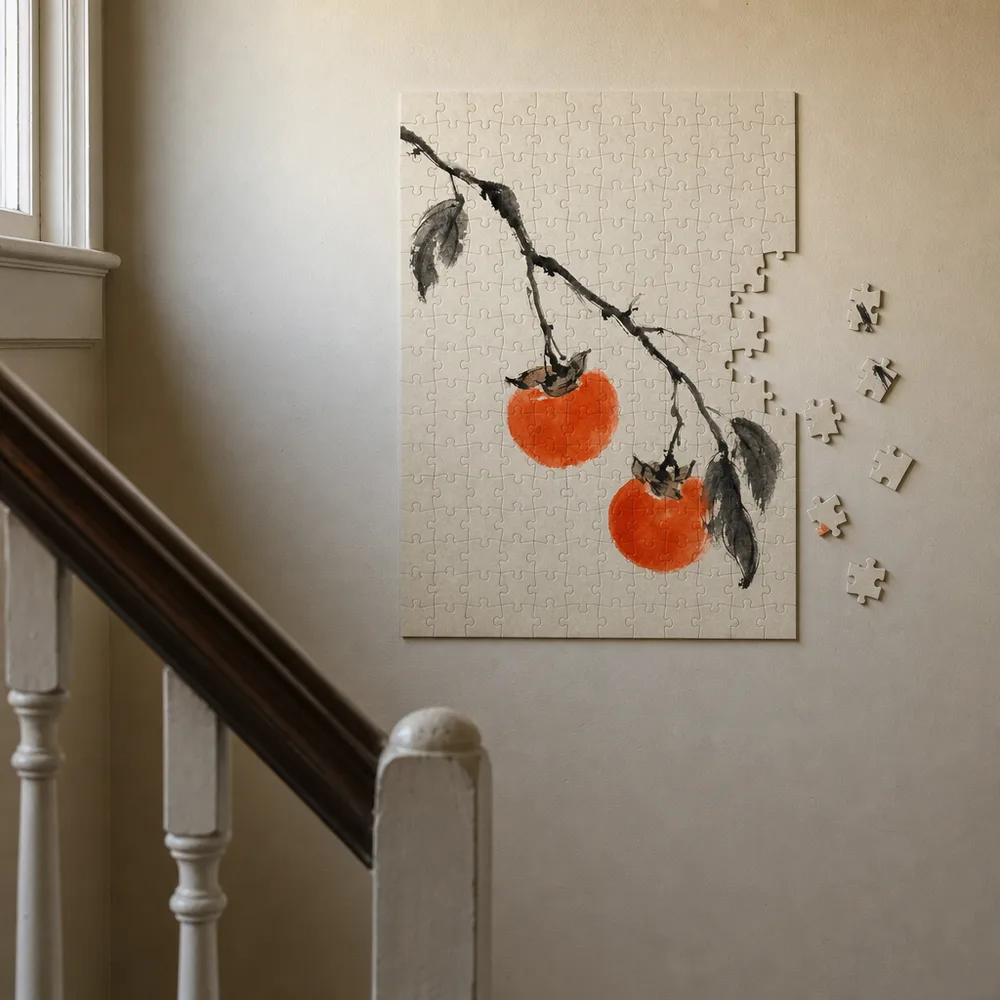
Choose a picture people can solve
A pet, a favorite landscape or a group photograph can give a puzzle a personal connection. Large areas of nearly identical sky make a different challenge than a busy illustration with distinct objects.
Look for color changes, edges and recognizable regions. The image should make sense as a whole and provide clues when someone holds one small piece.
Review the whole composition
Faces, names and a recognizable landmark should survive the final crop. A panoramic photo may lose people at the edges when fitted to a different shape. Review the actual puzzle preview, not just the original file.
The available piece counts belong to the product options. Choose from those options and consider the recipient’s preference. Do not infer a recommended age or safety rating from the picture.
Keep generated detail under control
An illustrated scene can work well, but look for repeated objects, odd faces and unclear text. A surprising generated detail becomes more obvious when someone studies the puzzle piece by piece.
Use the studio to compare the image and product selection. Confirm the size, price and delivery quote before ordering a birthday or holiday gift.
How do I choose a family photo for a puzzle?
Pick an original photo with clear faces and distinct areas of color, such as clothing, trees or buildings. A large blank sky gives fewer visual clues. Review the puzzle’s shape before committing to a panoramic group photo, especially when people stand at the edges.
Check that everyone remains visible in the selected preview and choose from the available piece counts. If a centered crop cuts off a person, use a closer-fitting image or prepare the file before uploading again. Review the final image at full size for blur or inaccurate generated details.
- Choose a clear photo with several recognizable regions.
- Check the people and edges in the puzzle preview.
- Review the available piece count, size and order details.
Common questions
- Can I use a family photo?
- Yes. Use an original image you have permission to print and check that everyone remains inside the crop.
- Is more detail always better?
- No. Choose enough variation to make the puzzle interesting without making the main subject hard to recognize.